I can now talk to my TV remote {introducing: the new Xfinity X1 remote, and Xfinity Share}

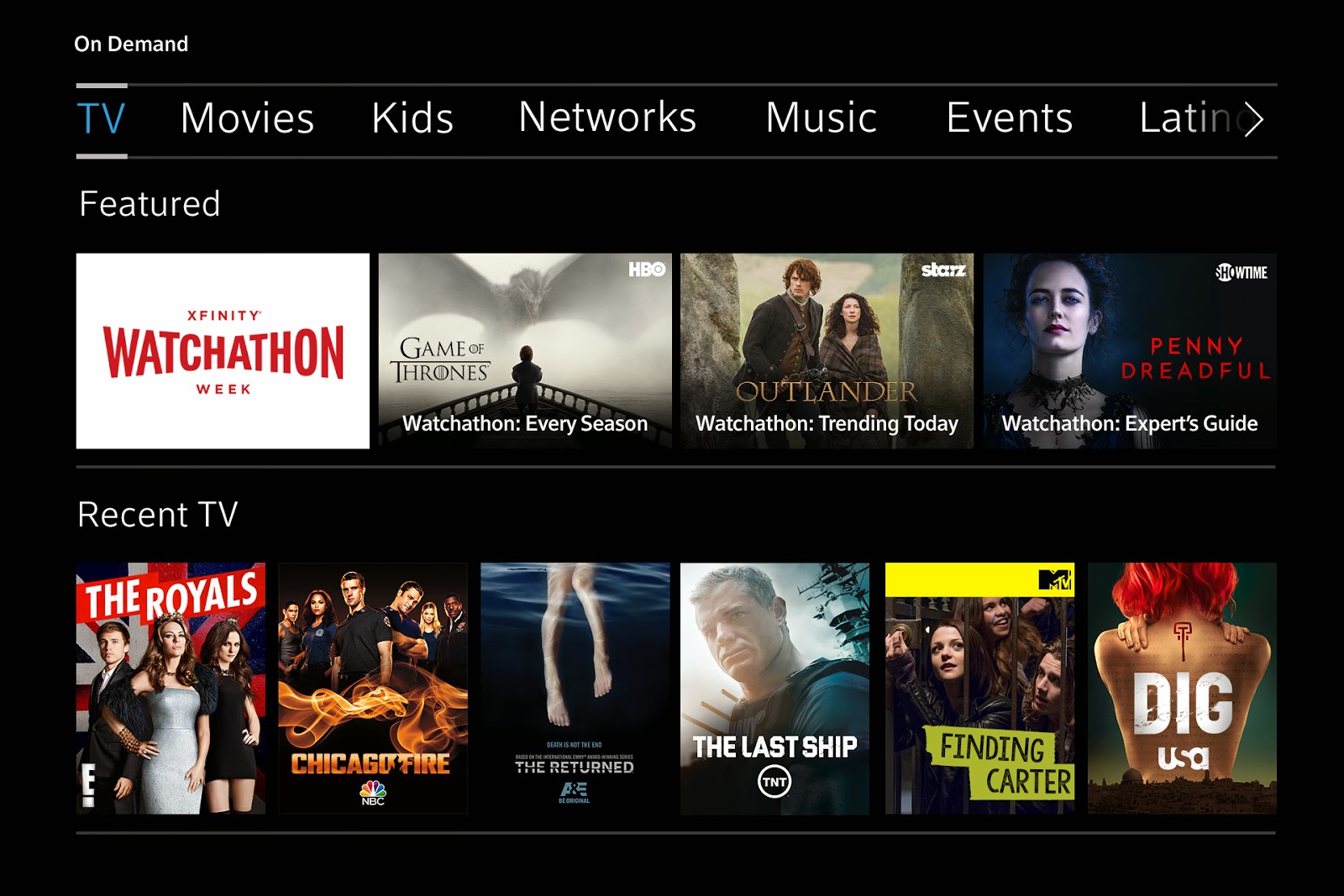
*Disclosure: I have an ongoing relationship with Xfinity where I receive services at a discounted rate. The opinions expressed here, however, are my own. Last Wednesday night, I headed to the Xfinity store in Plymouth, MI to learn more about the company's newest and greatest, and what they've come up with is pretty cool. First off, the new remote: in the picture above, you'll see there's a button with a blue microphone symbol. You can now hold down that button, say a command or a question, release the button, and have your TV screen change. It's kind of like Siri but for your TV! Some examples that you can say to the remote are: Changing the channel: “Watch ESPN” Searching for movies or shows: “The Walking Dead” Browsing Xfinity On Demand: “Show me kids movies” Setting a recording: “Record Saturday Night Live” Finding sports teams, games and events: “When do the Phillies play?” Getting recommendations or seeing what’s popular on TV right now: “Wha...